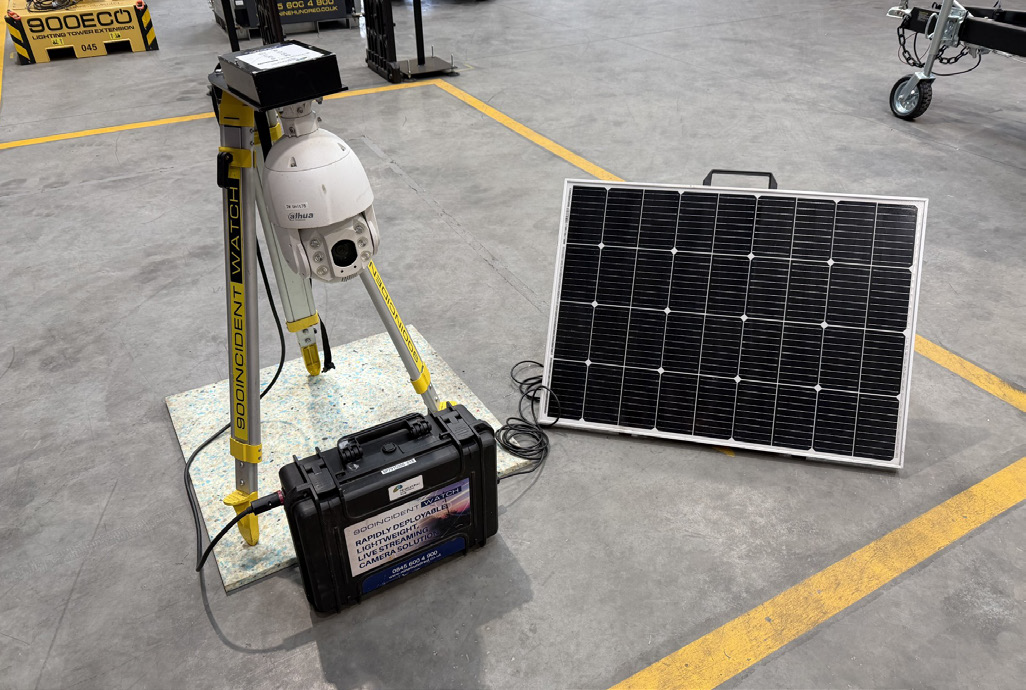
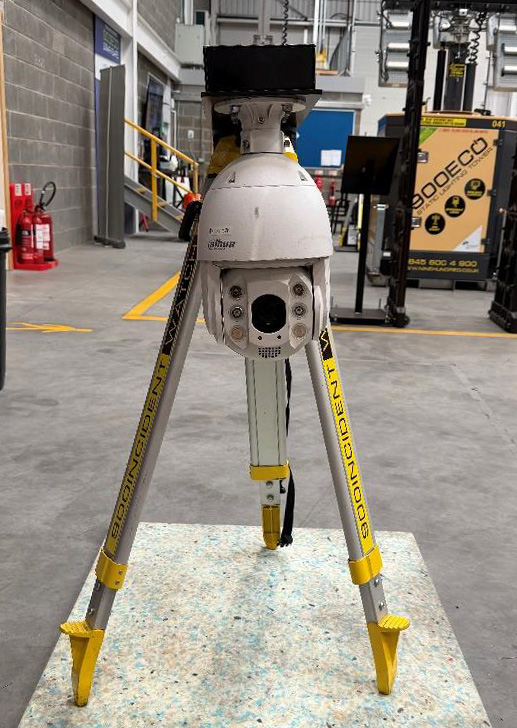
Unit Breakdown:
|
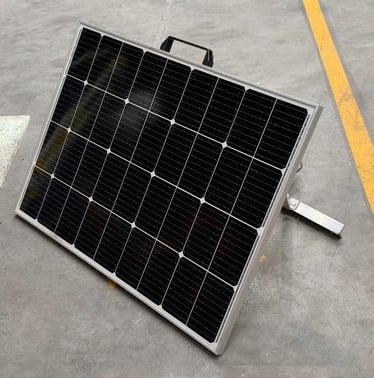
Solar Panel Frame
|
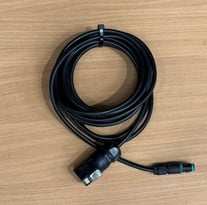
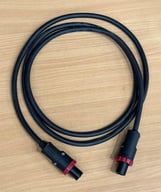
Solar Cable (Connects Panel To Battery) |
Power cable (Connects Battery To Incident Watch Unit) |
|
|
|
|
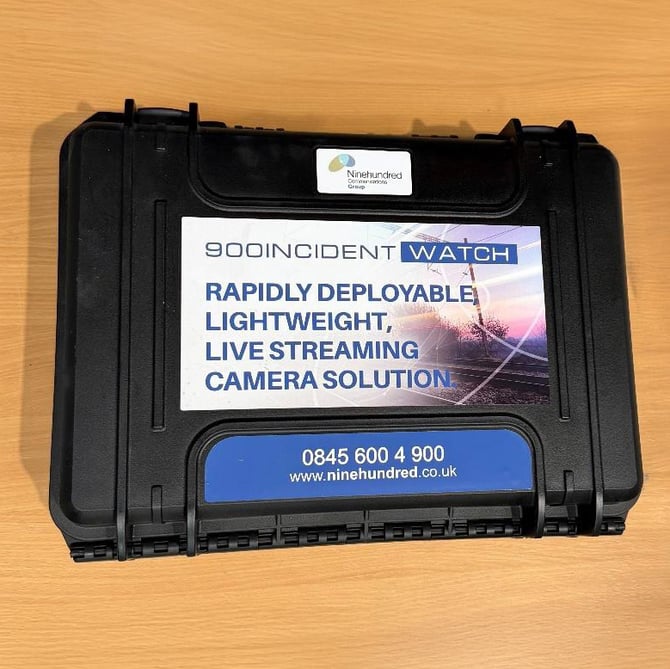
| Incident Watch Battery | Incident Watch Unit | |
|
|
 |
IW Site Set Up Guide
1. Locate the Incident Watch Battery and place it down on a stable surface.

2. On the left side of the Incident Watch Battery is the solar and charger sockets.
Solar being for the solar cable and charger being for the charger plug.
*Refer to Unit BreakDown if needed for clear indication.
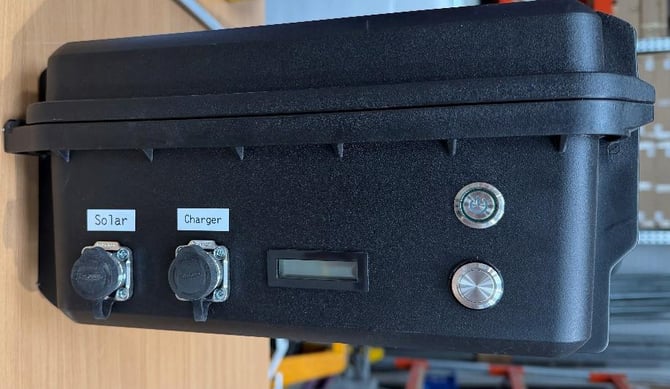
Battery OFF
3. Top right is the power button, this is also a latching switch button so once
it’s pressed in, the LED will light up showing that it’s on. To turn it off you just press the button again.
Bottom left button, this button is purely designed for checking the battery
level, another latching switch, once you press it down, the blue screen will light up showing the batteries current percentage. To turn the LED off simply press the button again.
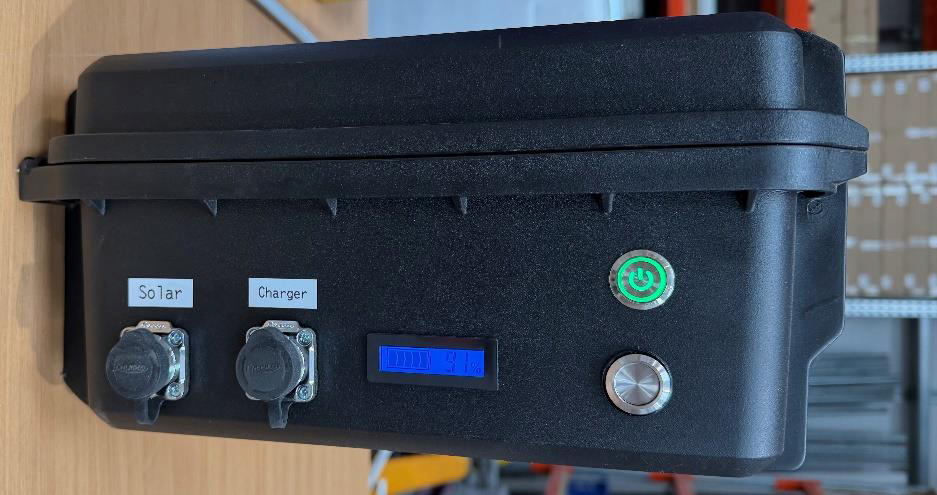
Battery ON
4. On the opposite side of the case there is the socket for the power cable to be inserted.
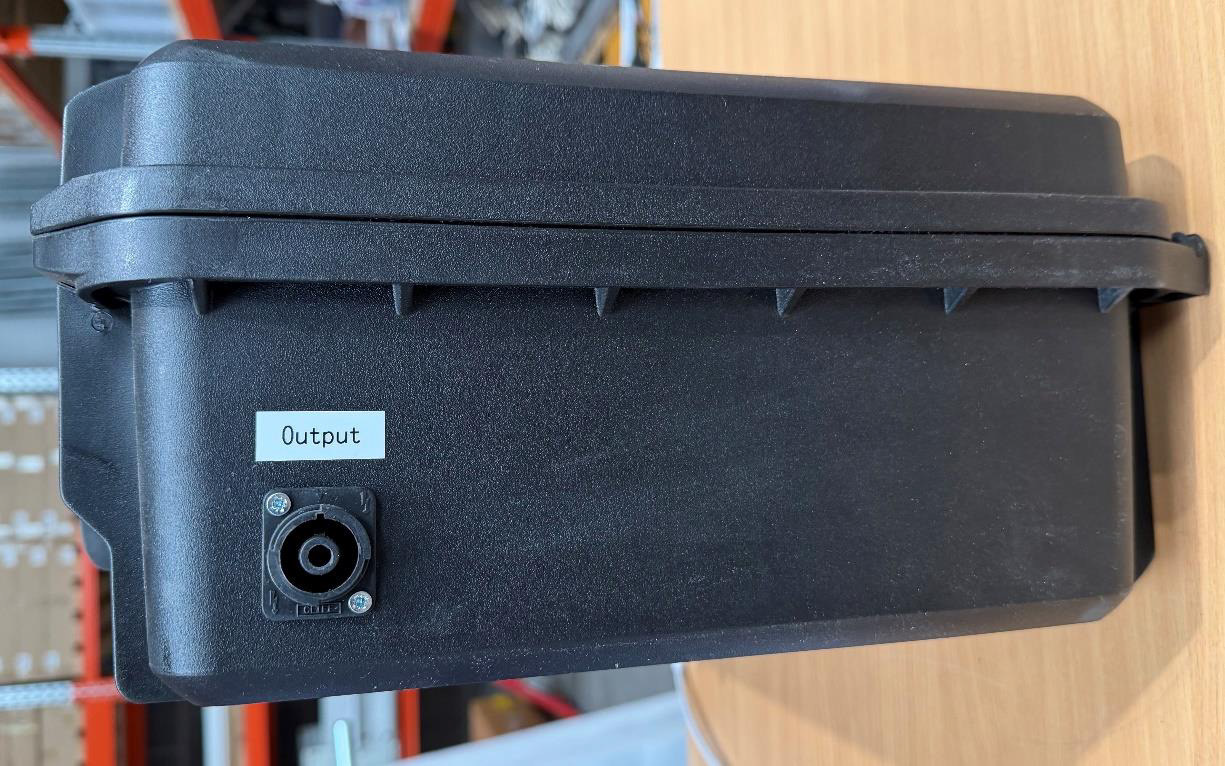
5. Place one end of the power cable into the battery unit, ensure that it is unlocked before plugging it in, then once plugged in move the dial over to lock.
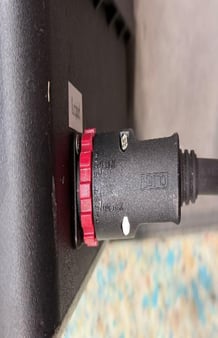
6. Place the opposite end of the power cable into the incident watch unit itself.
The Incident Watch socket is located on the top of the unit.
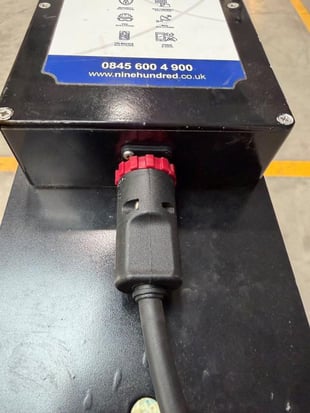
7. Now, place this end of the solar cable into the solar labeled socket.
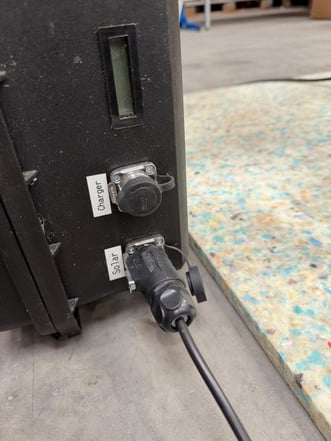
8. Plug the opposite end of the solar cable into the part already wired connected to the solar panel.
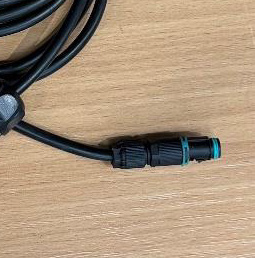
Solar Cable (Connects panel to battery)
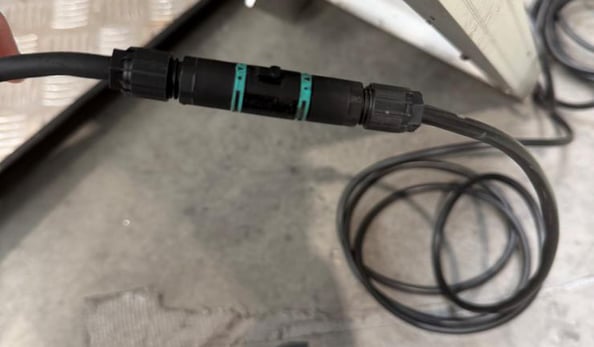
Solar Cable connected to the Solar Panel
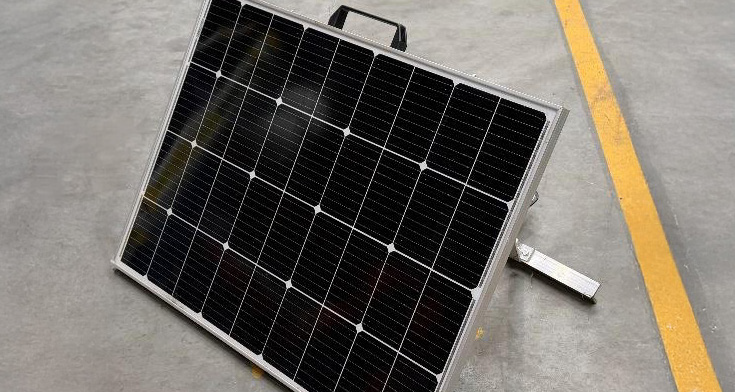
Solar Panel Frame
9. Once all cables are connected to the Incident Watch Unit, Battery, and Solar Panel, it should appear like this reference image.